How do I login to the Member Portal?
👀 22 views
Access the Member Portal to change your plan or update your payment method:
https://app.generalreferral.com/members
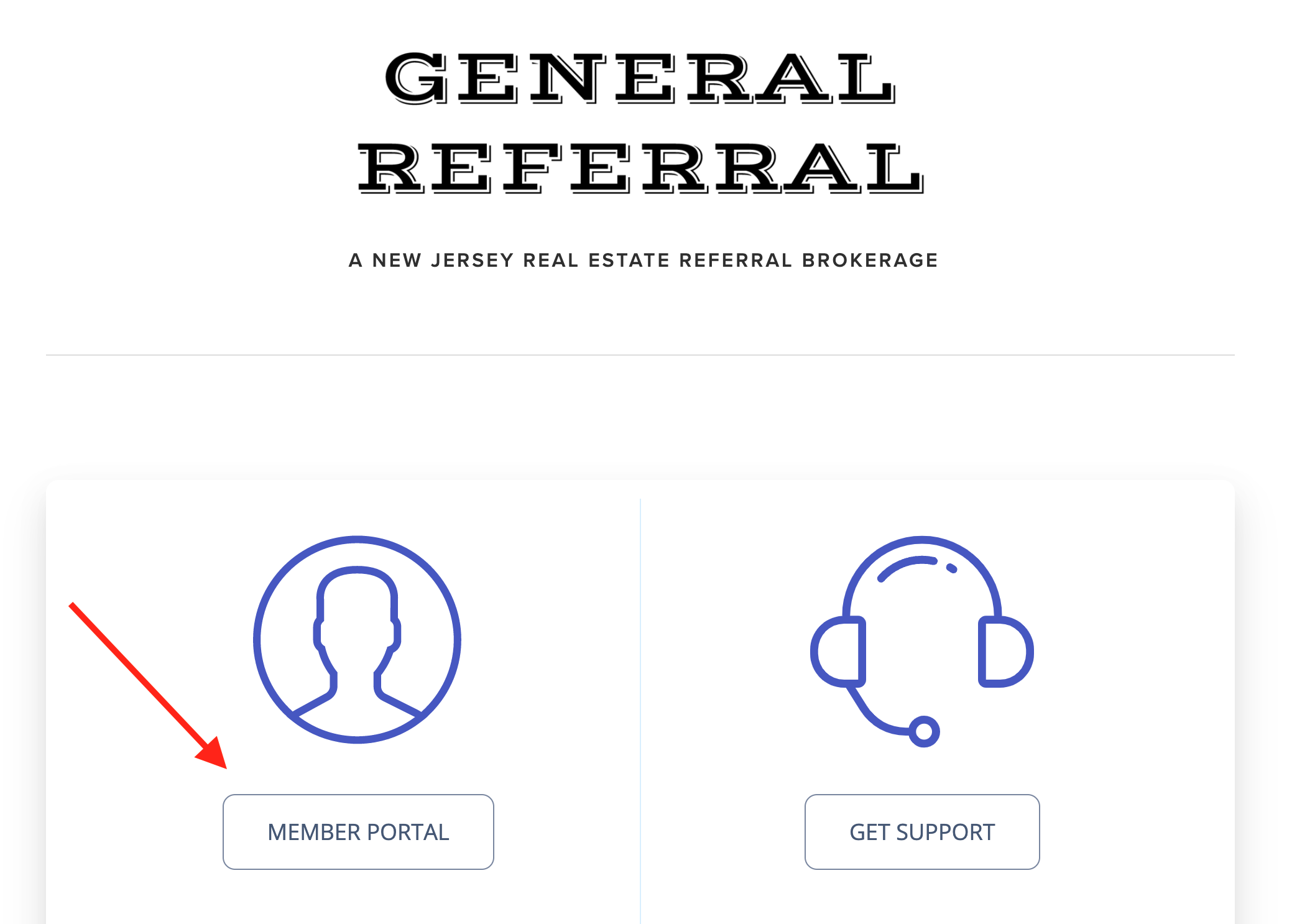
Click on the button labeled: "Member Portal"
You may choose to keep the one-time password functionality, which will send you a unique code by email or SMS each time you login, or you may set a permanent password once you've successfully logged in.
To set a permanent password for the member portal, you need to login to the portal using a one-time password. Next, select Account information > Set up Password.